 Coreloom
See everything your computer is doing.
Coreloom is a free, open-source hardware monitor for Mac and Windows. Live readings from every sensor, a gaming hub, benchmarks and a one-click clean-up, in one calm dashboard.

Pick your computer.
Every download is the latest version, checked against its SHA-256 checksum by Coreloom's updater. Once installed, Coreloom keeps itself up to date.
Mac with Apple silicon
Your MacM1, M2, M3, M4 and later.
- macOS 14 Sonoma or later
- Disk image (.dmg)
Mac with Intel
Your MacMacs with an Intel processor.
- macOS 14 Sonoma or later
- Disk image (.dmg)
Windows
Your PCWindows 11, 64-bit.
- Installer, no admin prompt to install
- Or the portable zip
One app for the whole machine.
The same Coreloom on both systems, speaking each one's language: Metal, IOReport and the menu bar on a Mac; NVML, the tray and Task Scheduler on Windows.
Live dashboard
Processor and graphics load, temperatures, clocks and power; memory pressure, storage and network, with charts of up to an hour and a health check for each part.
Gaming
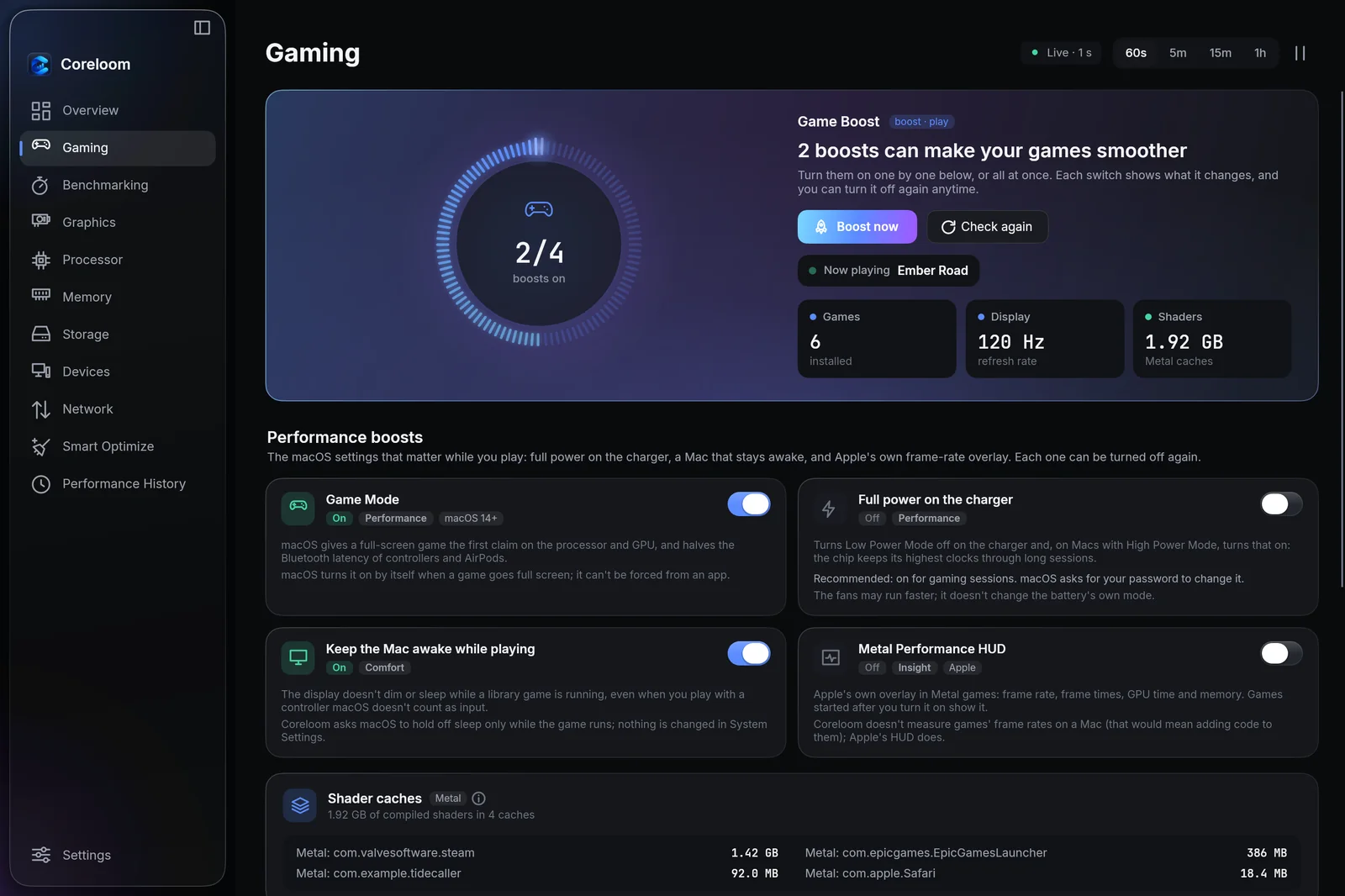
Your Steam, Epic and other games in one library with Play, plus the switches that matter: Game Mode, full power, keeping the Mac awake and Apple's Metal HUD, or the frame limiter and boosts on Windows.
Benchmarks
A CPU benchmark with single- and multi-core scores, a GPU benchmark on Metal or Direct3D, and a stress test that checks every answer, with every result saved.
Smart Optimize
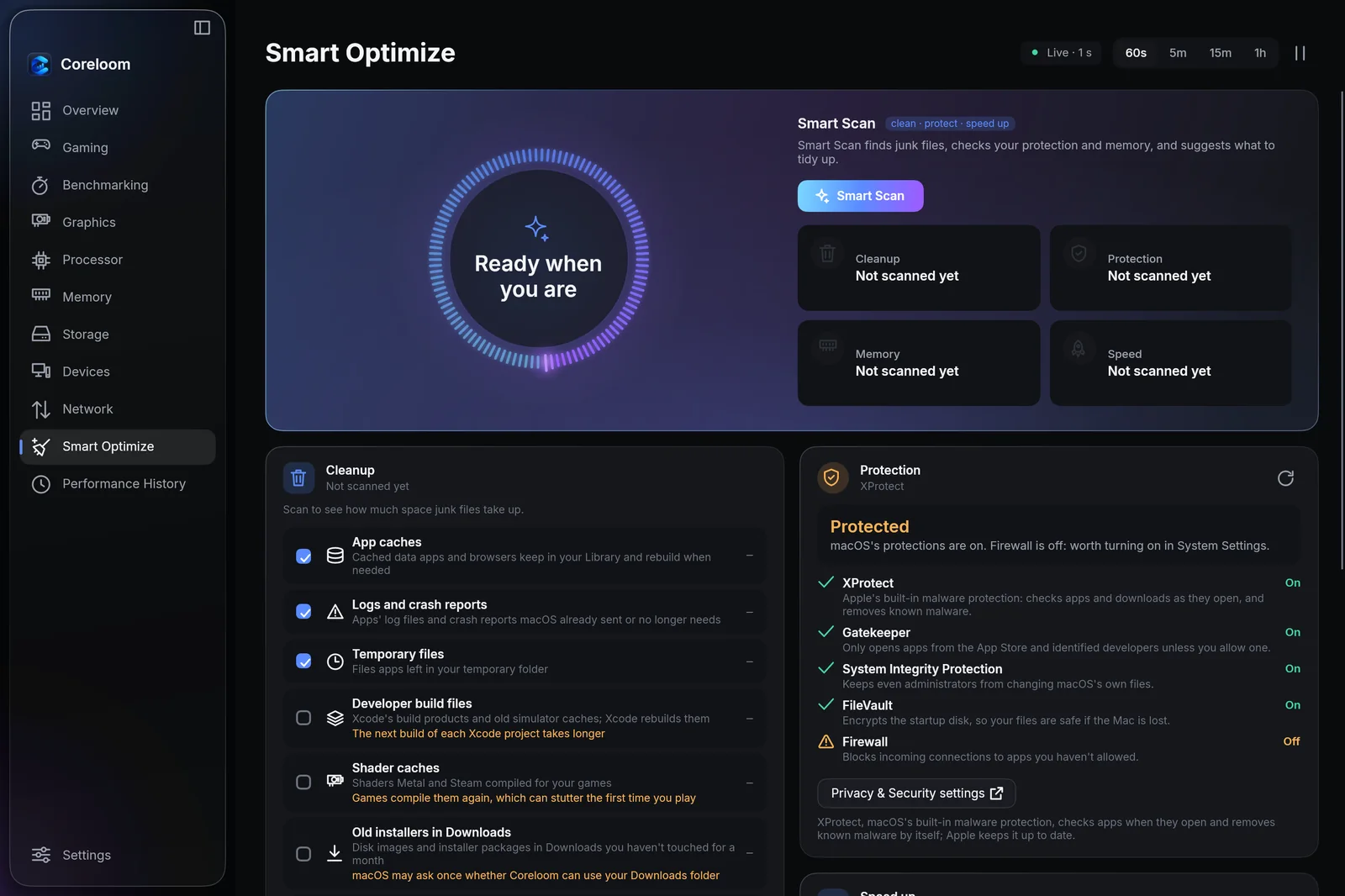
One scan finds caches, logs and leftovers, checks your Mac's or PC's protection and the apps that start at login, and cleans up only what you tick.
Devices
Bluetooth accessories with their battery levels, connect and disconnect in a click, and everything plugged in by USB, Thunderbolt or a display cable.
Alerts and readings anywhere
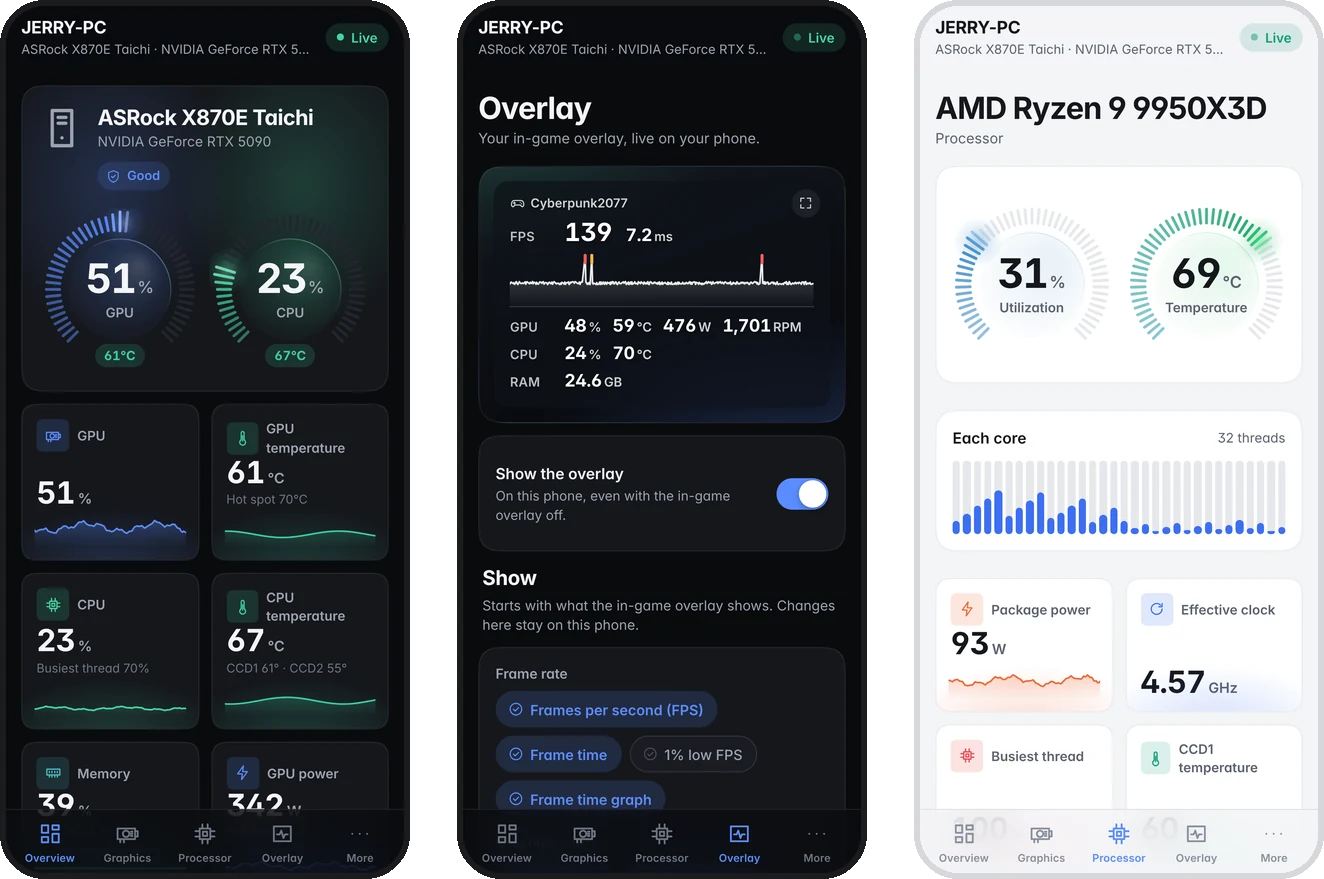
Notifications when a reading stays past your threshold, readings in the menu bar or tray, an in-game overlay, and your computer's readings live on your phone over your own Wi-Fi.
Two minutes, then it updates itself.
Coreloom is free and open source, so it isn't sold through the App Store. macOS asks you to confirm it once, the first time you open it.
Drag it into Applications
Open the downloaded disk image and drag Coreloom onto the Applications folder beside it.
Confirm the first opening
Open Coreloom from Applications. If macOS says it could not verify Coreloom, click Done, then open System Settings › Privacy & Security, scroll down and click Open Anyway.
That's it
Coreloom lives in the menu bar and the Dock. New versions arrive on their own: Coreloom › Check for Updates… installs one right away.
shasum -a 256 (Mac) or Get-FileHash (Windows) with the release's SHA256SUMS.txt.